
Photo cleanup
Winnow
Sort your camera roll one photo at a time, and pay once
- Platform
- iOS 18.0 or later
- Languages
- English
- Price
- Free, with one in-app purchase
A camera roll is a pile. Winnow deals it one card at a time.
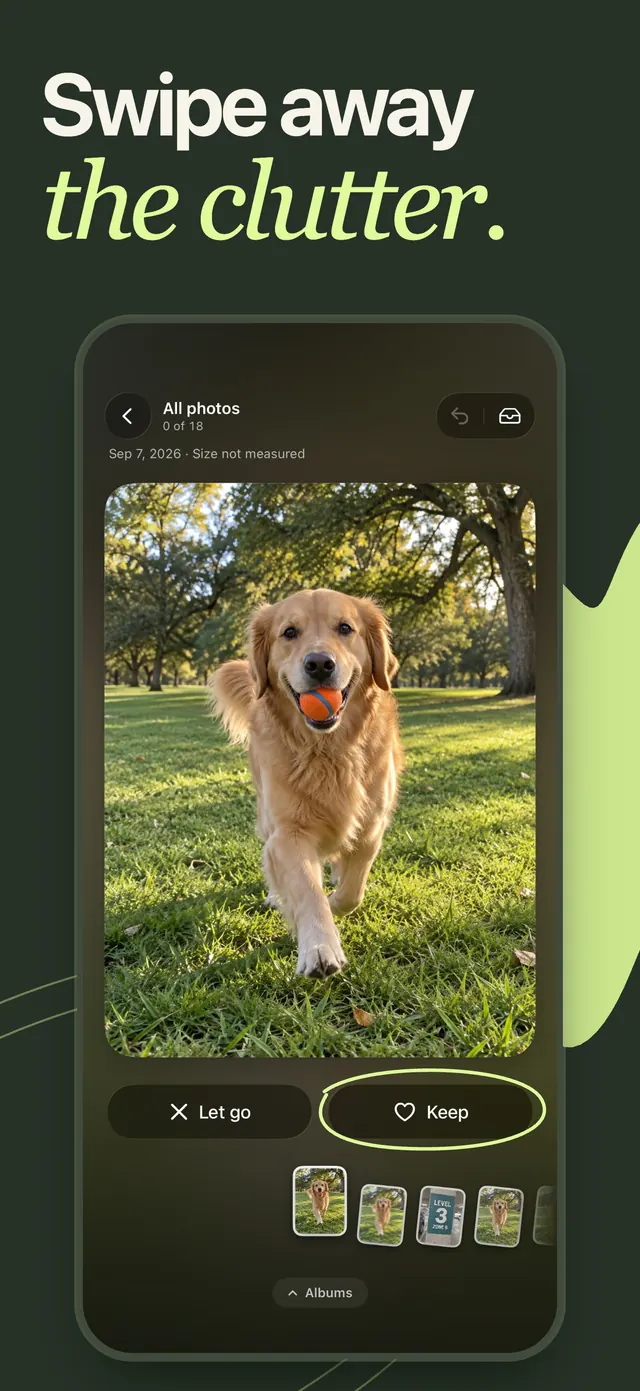
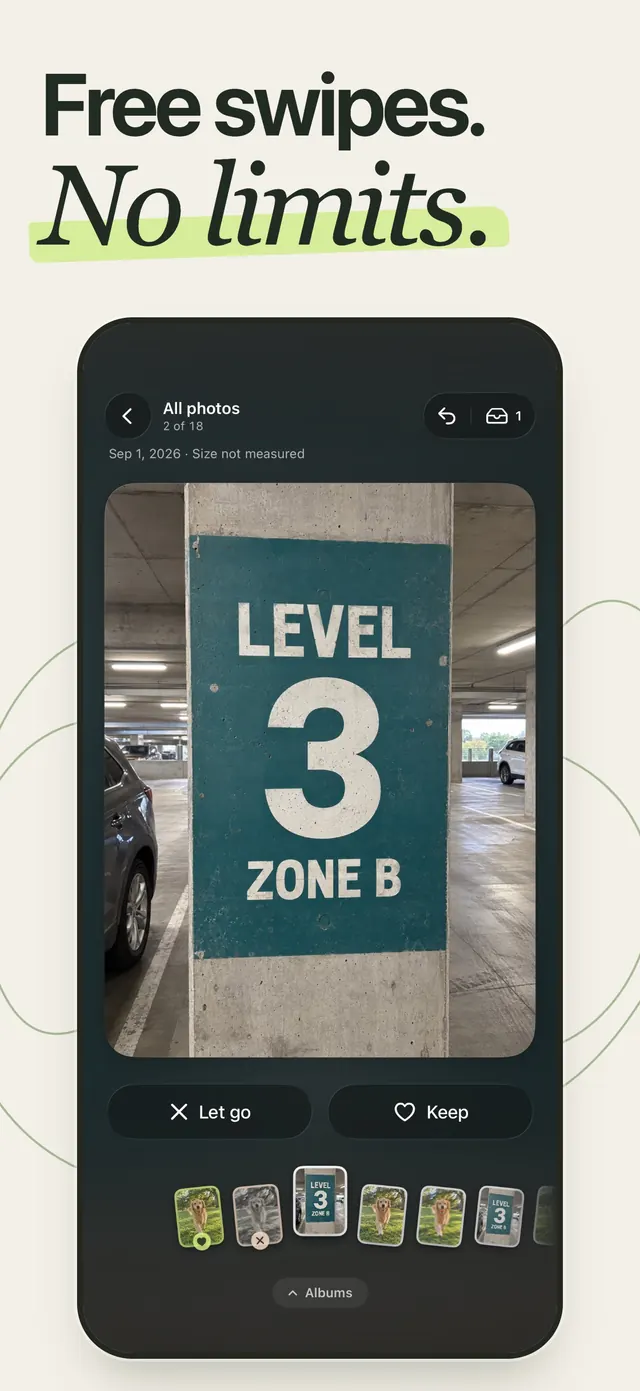
Swipe left to keep, right to set aside. A swipe never deletes anything — you review the whole selection first, and iOS asks before a single photo leaves your library. The swiping is free, without ads, timers or limits.
What it does
- 01
No limits on the free deck
Sort every photo and video you own without a swipe counter, a daily cap, a cooldown or an advert between sets. Start from a month, an album, your largest files, or a random shuffle, and undo any choice you regret.
- 02
A swipe never deletes
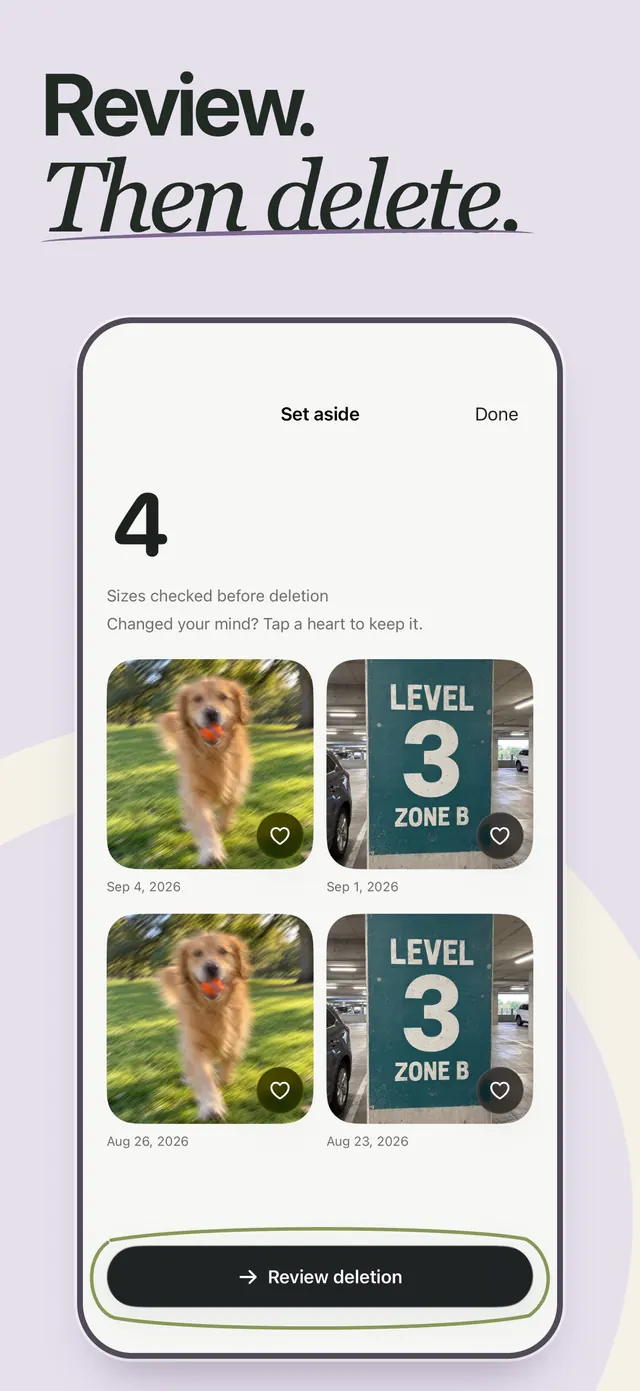
Setting a photo aside only adds it to a selection. You look through that selection, then iOS shows its own confirmation before anything is removed. Large selections are handled in confirmed batches, never in one blind pass.
- 03
An honest receipt
After a deletion Winnow reports what Photos actually confirmed, not what it hoped for. File sizes describe your library rather than promising space back on the iPhone, and the receipt explains Recently Deleted and its 30 days.
- 04
Sweeps that find the clutter for you
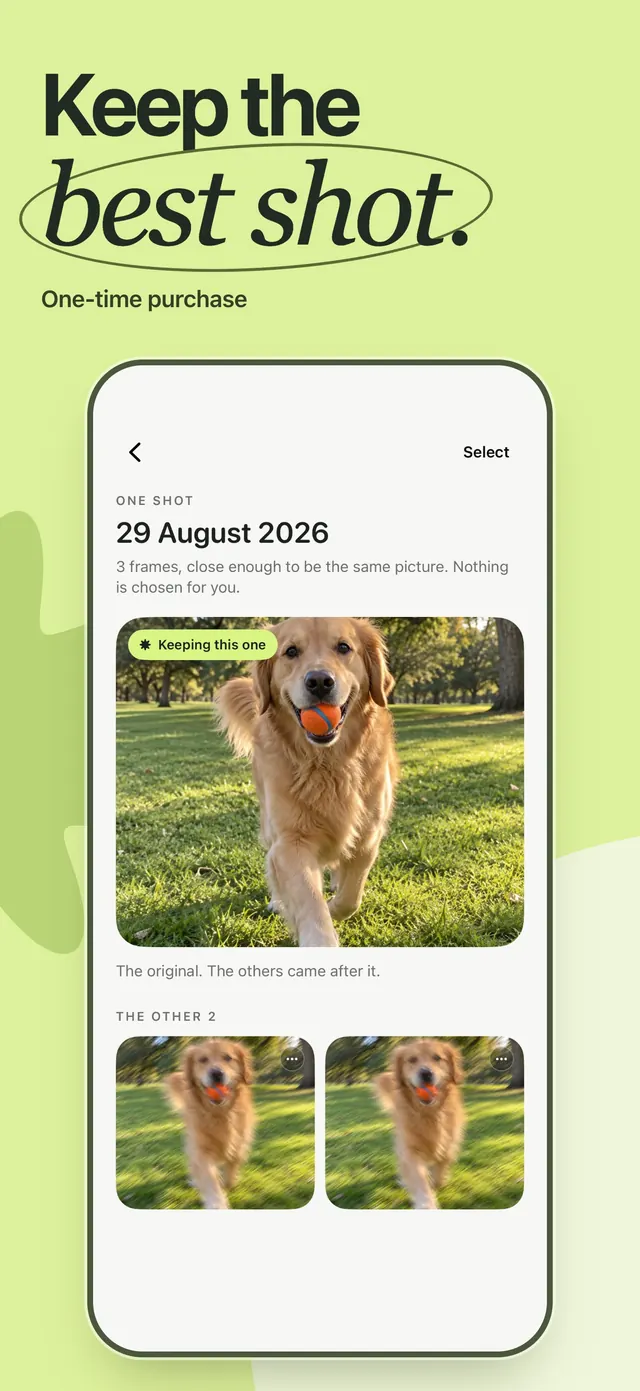
Screenshots, screen recordings and big videos are free. One payment unlocks similar shots and bursts, blurry photos, and photographs of receipts and paper. Nothing is ever pre-selected, and a group of similar shots always keeps a survivor you cannot mark.
- 05
Your own Photos albums
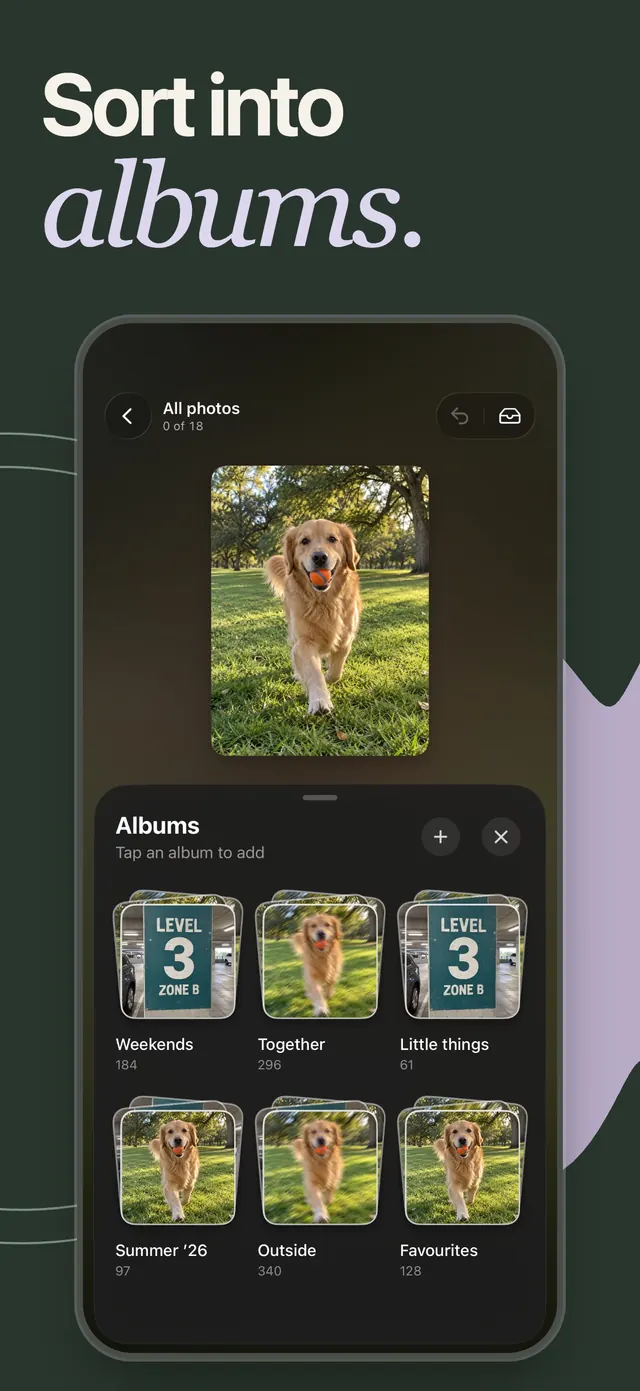
Swipe up to file a keeper into an album you already have, or make a new one. They are real Photos albums, not folders trapped inside the app, and the drawer stays up so a run of photographs can be filed in one go.
- 06
Everything stays on the iPhone
Photo analysis runs on the device using Apple's own Vision framework. Winnow uploads no photos, no album names, no photo identifiers and no recognition labels, and there is no account to make.
Screens
From the App Store listing
Why we built it
Photo cleaners in this category tend to agree on the same three things: a swipe limit, an advert between sets, and a subscription before you have cleared a single photograph. The reviews of those apps are where Winnow’s design came from — not from a competitive analysis, but from the complaints people left about the things that went wrong.
The loudest of them is a receipt that lies. “Deleted, but they were still there” appears again and again, almost always at one star, because an app counted what it asked Photos to remove instead of what Photos confirmed. Winnow counts confirmations only, and says plainly that a file size describes your library rather than the space on your phone — those are different numbers, and no app on iOS can measure the second one at the moment it deletes.
The second is a duplicate finder that took both copies. So a group of similar shots here always holds a keeper that cannot be marked, the keeper is chosen by a stated ladder rather than by date, and nothing in a Sweep starts selected. A suggestion that is wrong should cost you a glance, not a photograph.
The rest is the part that should feel good: a card that answers your thumb, a tray that fills, and an album drawer that stays up while you file a run of photographs into it. It is the one app in this catalogue you are supposed to open when you are bored.
Questions
01Is Winnow free?
The sorting is, permanently. Swiping through your library, videos, albums, undo, the deletion flow and the receipt cost nothing, and there are no adverts, swipe limits or timers in any version. The three smart Sweeps — similar shots, blurry photos, and receipts and paper — are a single one-time purchase.
02Is there a subscription?
No. Sweeps Lifetime Access is one non-consumable in-app purchase with no expiry date, no automatic renewal and no recurring charge. It is billed by Apple to your Apple Account, and Family Sharing is supported. If you reinstall Winnow or move to a new iPhone, restore it with the same Apple Account from Profile › Purchases › Restore purchases.
03Can Winnow delete a photo I wanted to keep?
A swipe never deletes. Setting a photo aside only adds it to a selection you review afterwards, and the removal itself goes through the iOS Photos confirmation dialog. Favourites are never dealt into the deck at all, and in a group of similar shots the keeper is structurally unmarkable. Anything that is removed sits in Recently Deleted, where Photos keeps it recoverable for up to 30 days.
04How much storage will I get back?
Winnow does not claim a number it cannot measure. It shows the file sizes of what is leaving your library, with a visible ≈ where a size is estimated because the original lives in iCloud. Removing a photo does not immediately reclaim its storage — it stays in Recently Deleted first — so the only figure Winnow states as fact is the change in free space iOS itself reports afterwards.
05Does Winnow work with iCloud Photos and Optimise Storage?
Yes. Photos stored only in iCloud are handled without downloading the originals, which is why some file sizes are marked as estimates rather than exact bytes. Winnow never pulls full-size assets over cellular to make a suggestion.
06What if I only want to give access to some photos?
Selected Photos access works. Winnow reviews exactly the photos you chose, and swipe up marks a favourite instead of filing to an album, because album filing needs full library access. You can change the selection at any time from Profile.
07What does Winnow collect?
No photos, album names, photo identifiers or recognition results, ever, and there is no Winnow account. Optional usage and purchase-flow analytics go to PostHog in the EU under a random installation identifier and can be switched off in Profile under Help improve Winnow. A separate Improve sorting switch is off unless you turn it on; it shares numeric quality scores and your feedback on Sweeps, never an image. The full detail is in the privacy policy.
08Which iPhones does it run on?
Winnow needs iOS 18 or later and is built for iPhone, in portrait. It is designed against libraries of around 50,000 photos, so a long backlog is the case it was made for rather than the case that breaks it.
Also from the studio
 HabyhabitsMark the habit from the home screen, never open the app
 FlowsoundAmbient sound and a Pomodoro timer in one place
 AutoCapscaptionsSpeech to styled subtitles, then translate to 100+ languages
 ScanDexcollectionsPoint the camera at a card, get the exact variant and its price
 NuminutritionSay or photograph the meal instead of searching a database
 QuitifyquittingCount the puffs first, then cut them down
 TalkylanguageHold a real English conversation without an audience
 FujiRecipesphotographyFilm simulation recipes generated for your camera and your light