
Nutrition
Numi
Say or photograph the meal instead of searching a database
- Platform
- iOS 26.0 or later
- Version
- 1.2
- Size
- 38 MB
- Languages
- English
- Price
- Free, with in-app subscription
- Age rating
- 4+
- Updated
- 9 Jan 2026
The database search is the reason people stop logging
Every calorie tracker dies at the same step: typing "chicken sandwich" and picking between forty entries that all say something different. Numi takes the photo or the sentence and does that step for you.
What it does
- 01
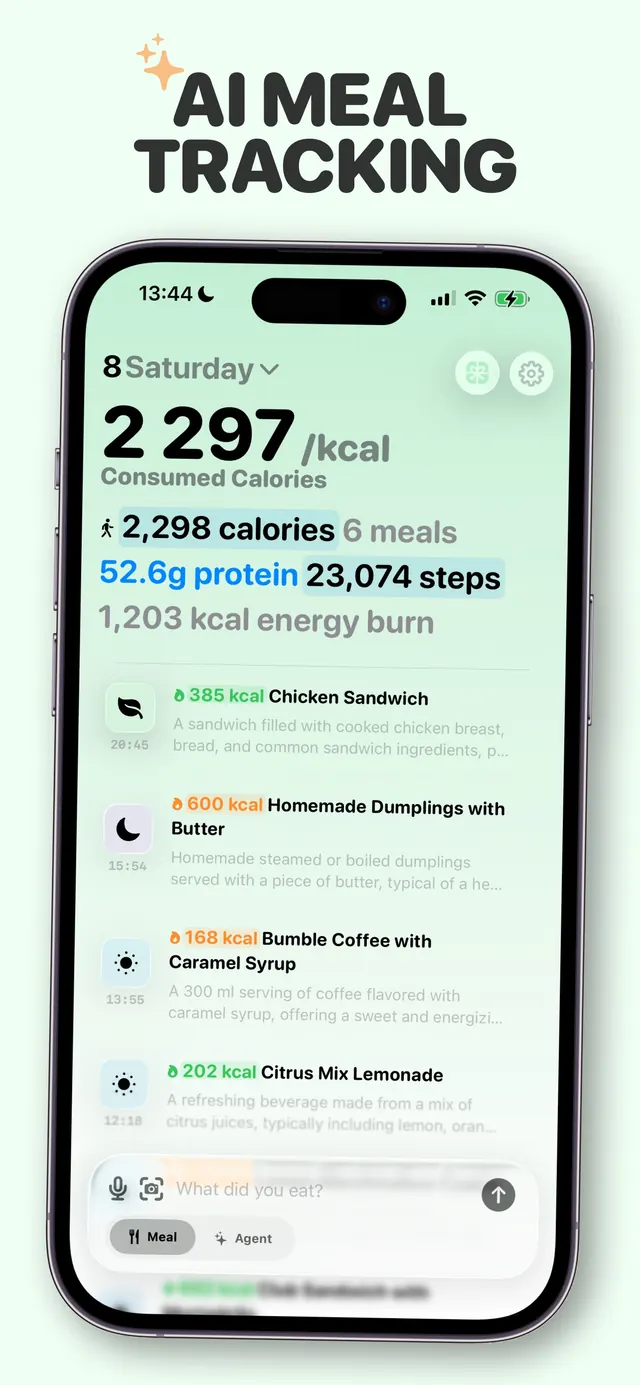
Log by voice, photo or plain text
Describe the meal the way you would to a person, or take a picture of the plate. Calories and macros come back without a search screen.
- 02
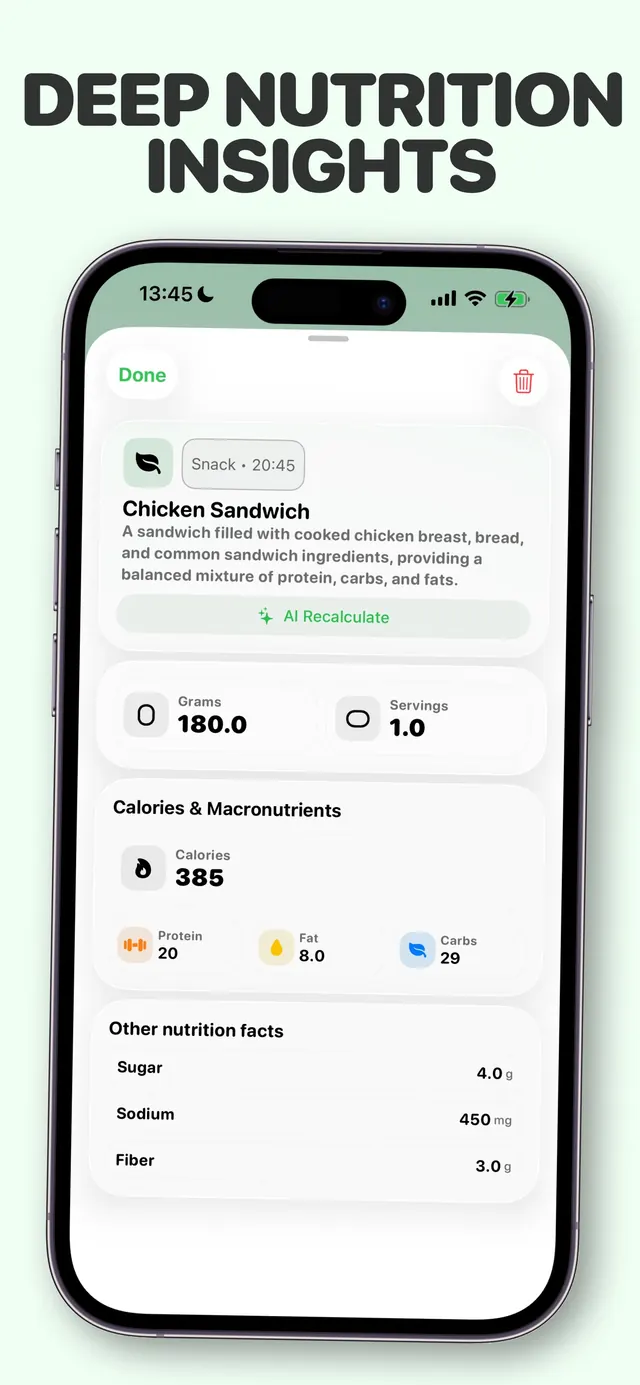
Calories, macros and micronutrients
Protein, carbs and fat as standard, plus the key micronutrients, tracked daily and rolled up weekly.
- 03
Apple Health, both directions
Weight and activity come in from HealthKit and feed the targets; the nutrition you log goes back out to Health.
- 04
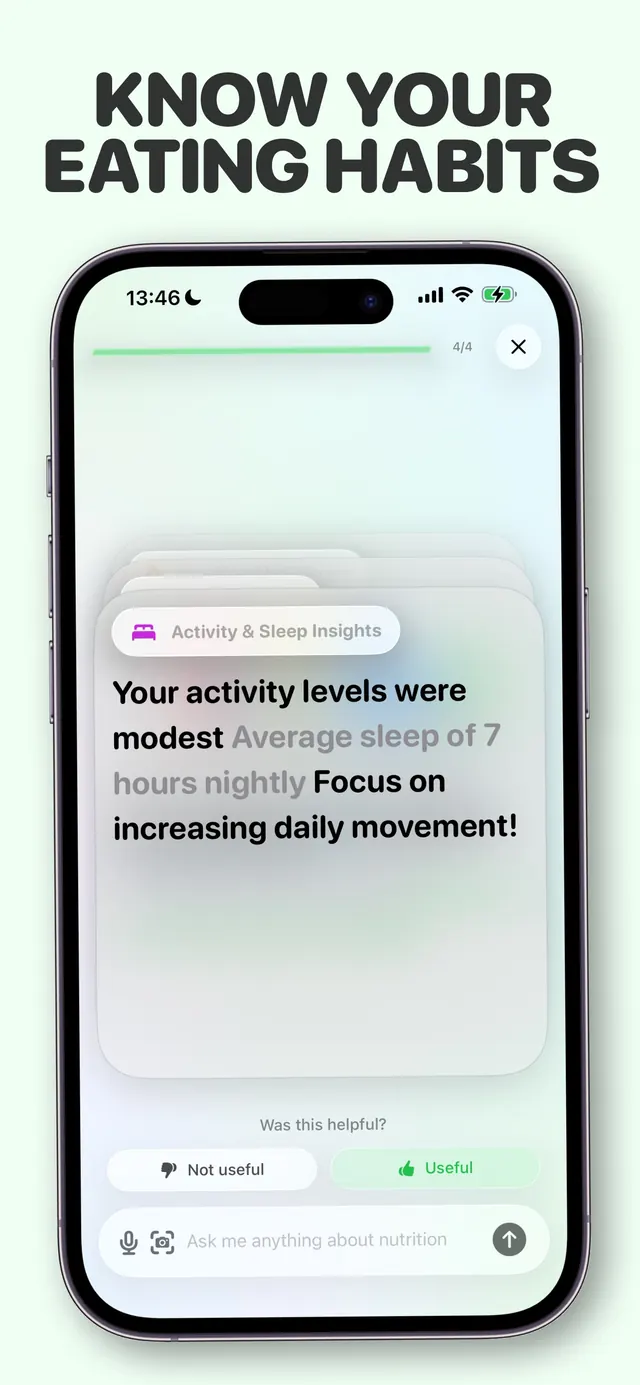
Weekly and monthly patterns
Summaries that show where the week actually went, rather than a single daily number that tells you nothing about the trend.
- 05
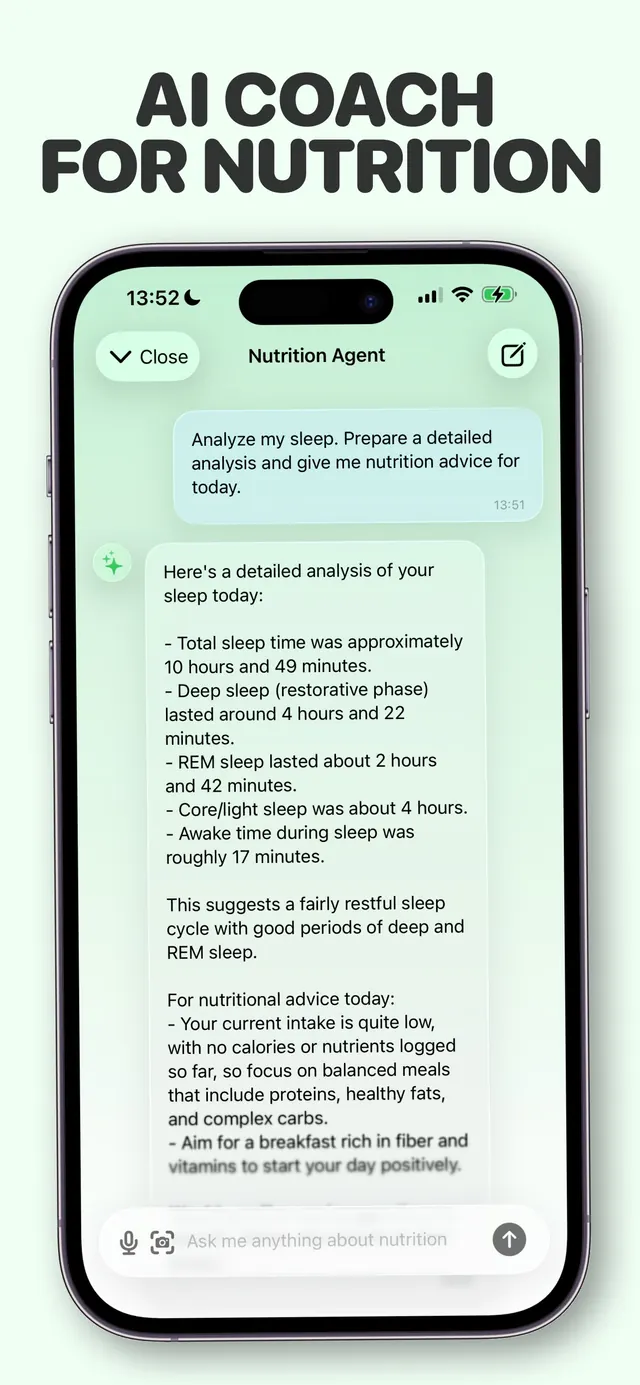
Answers with citations
The nutrition assistant's recommendations carry references to the peer-reviewed sources behind them, readable inside the app.
Screens
From the App Store listing
Why we built it
Calorie tracking has a well-known drop-off curve, and it is not caused by motivation. It is caused by the fourth day, when logging lunch means opening a search field, typing a guess, and adjudicating between database entries you have no way to verify.
Numi is an attempt to delete that screen. Everything else in the app — the macros, the Health sync, the weekly rollups — is ordinary and well understood. The photograph is the part that decides whether you are still logging in March.
Questions
01How does photo logging work?
You photograph the meal and Numi identifies the foods and estimates portions, returning calories and macros. You can correct any item before it's saved, and the correction is kept.
02Does Numi sync with Apple Health?
Yes, in both directions. Weight and activity are read from HealthKit to inform your targets, and the nutrition you log is written back to Apple Health.
03What is free and what needs a subscription?
Daily calorie and macro tracking, analytics, weekly summaries, Apple Health sync, reminders and cloud sync are free. AI logging by photo, voice or text and the nutrition assistant require a subscription.
04Where do the nutrition recommendations come from?
They are drawn from peer-reviewed research and published medical guidelines, and each recommendation carries citations you can open and read inside the app rather than taking on trust.
Also from the studio
 HabyhabitsMark the habit from the home screen, never open the app
 FlowsoundAmbient sound and a Pomodoro timer in one place
 AutoCapscaptionsSpeech to styled subtitles, then translate to 100+ languages
 ScanDexcollectionsPoint the camera at a card, get the exact variant and its price
 QuitifyquittingCount the puffs first, then cut them down
 TalkylanguageHold a real English conversation without an audience
 FujiRecipesphotographyFilm simulation recipes generated for your camera and your light
 WinnowphotosSort your camera roll one photo at a time, and pay once