
Habits & routines
Haby
Mark the habit from the home screen, never open the app
- Platform
- iOS 17.0 or later
- Version
- 3.6.1
- Size
- 26 MB
- Languages
- 6 languages
- Price
- Free, with in-app subscription
- Age rating
- 4+
- Updated
- 7 Dec 2024
The habit tracker you barely have to open
Most trackers ask you to launch an app, find the habit, and tap it. Haby puts the tap on your home screen and on your wrist, because the moment you have to go looking for it is the moment the streak dies.
What it does
- 01
Interactive widgets
Mark a habit complete straight from the home screen. The widget is interactive, not a shortcut that opens the app — the tap lands where you already were.
- 02
Apple Watch
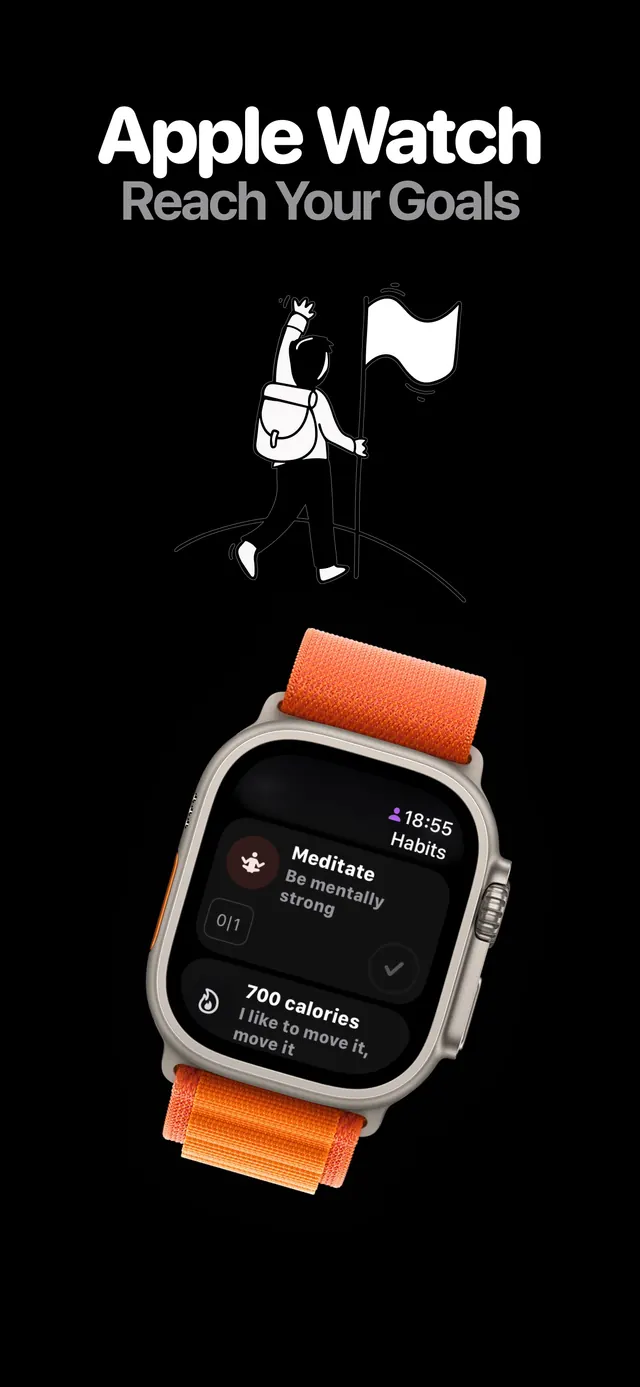
The full habit list on your wrist, with completion syncing back to the phone. Built for the habits you do away from a desk.
- 03
Notifications you actually write
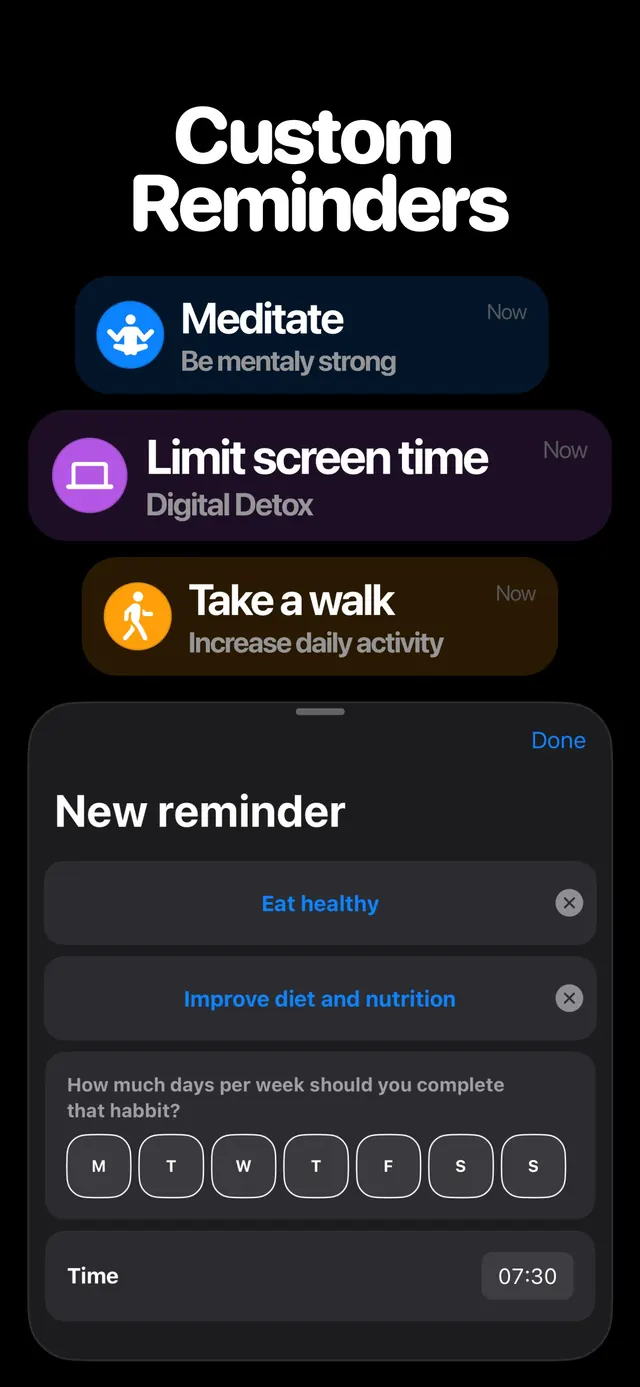
Per-habit title, subtitle and time. A reminder that says what you meant it to say, at the hour that habit really happens.
- 04
Streaks and statistics
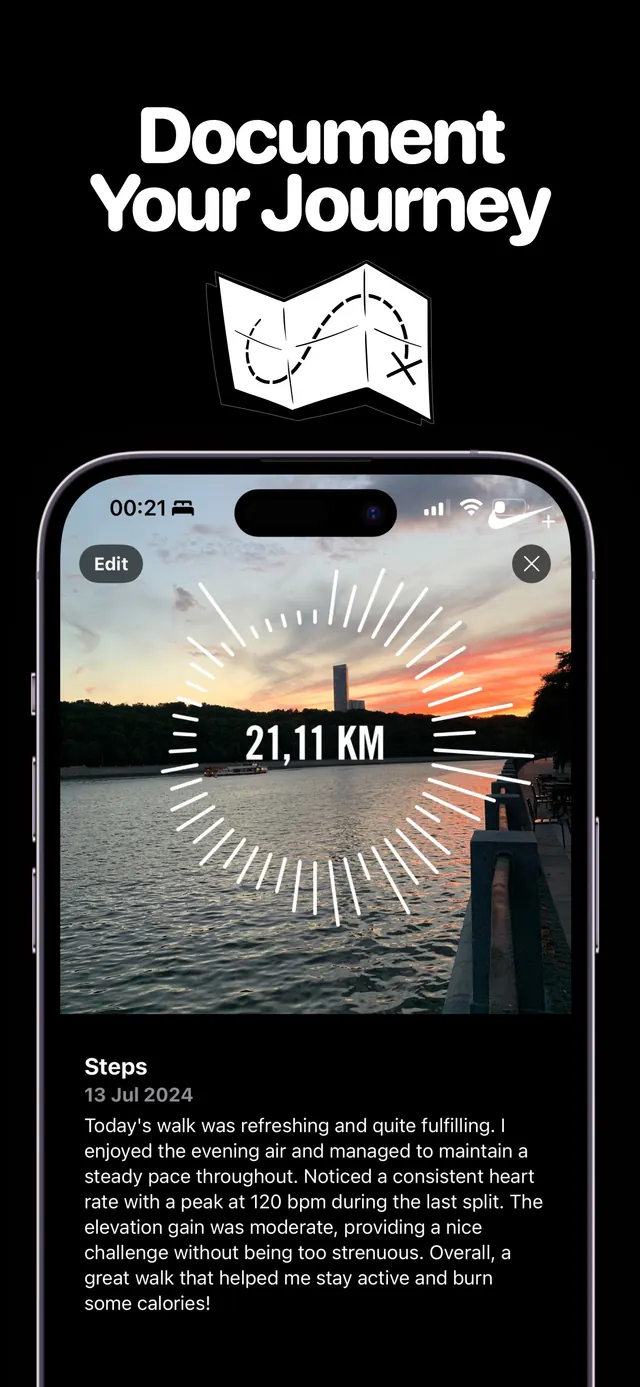
Current streak, longest streak, completion rate and a year-at-a-glance grid. Enough to see the pattern, not so much that reading it becomes the habit.
- 05
Your data stays yours
Habits sync through your own iCloud account. There is no LuminaForge account to create and no server of ours holding your history.
Screens
From the App Store listing
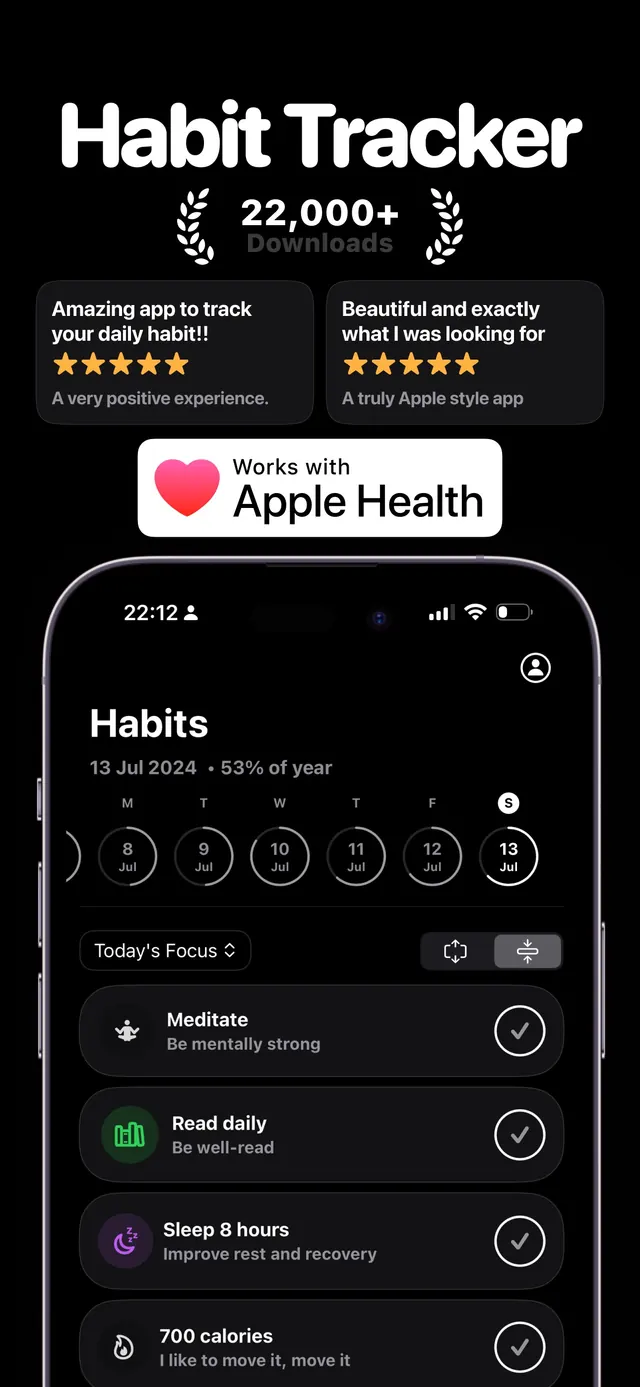
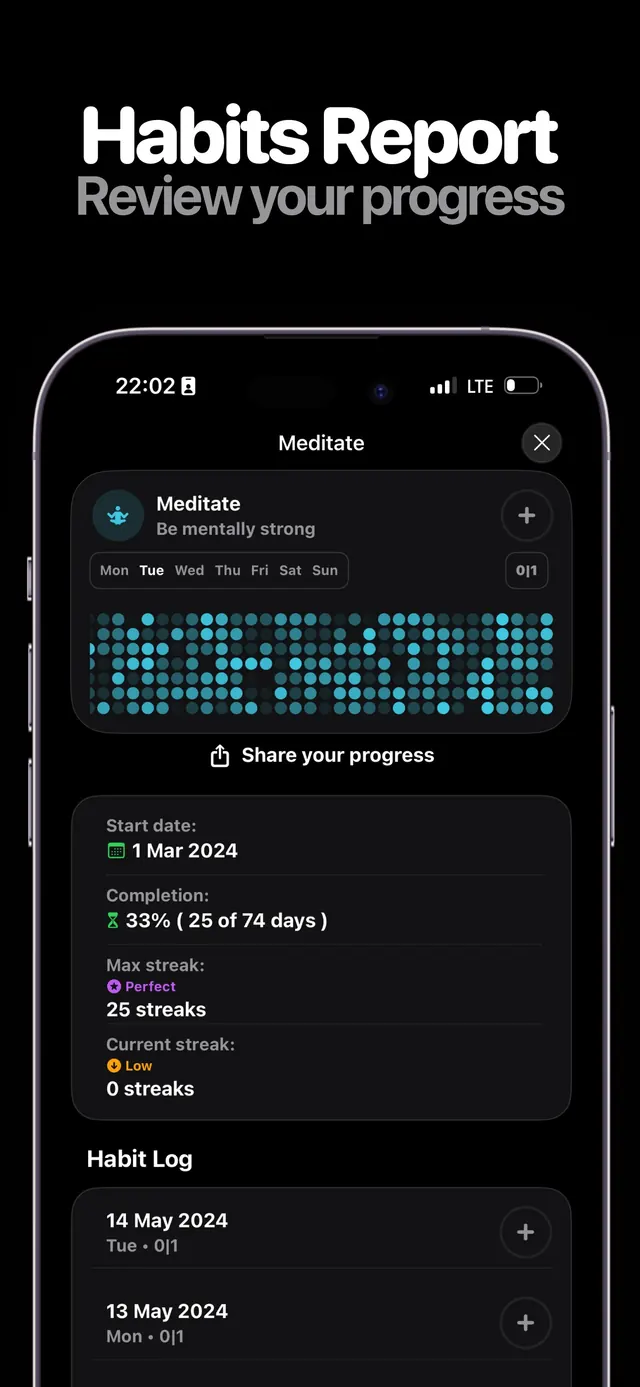
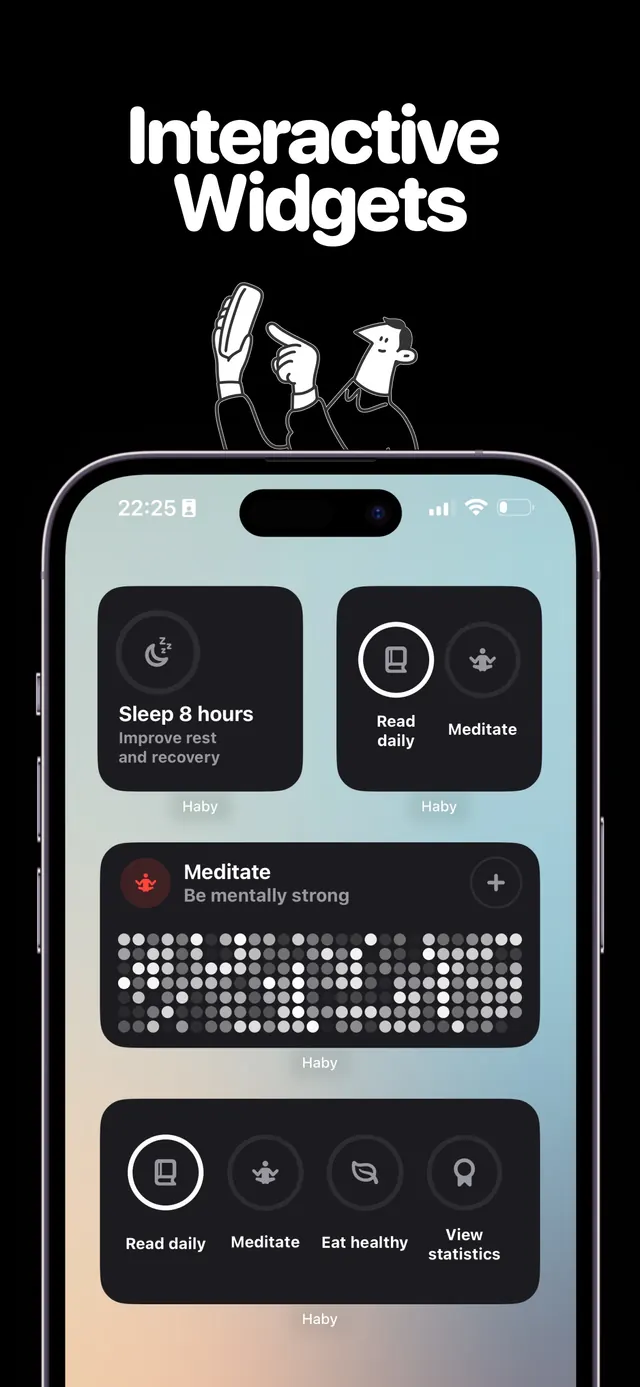
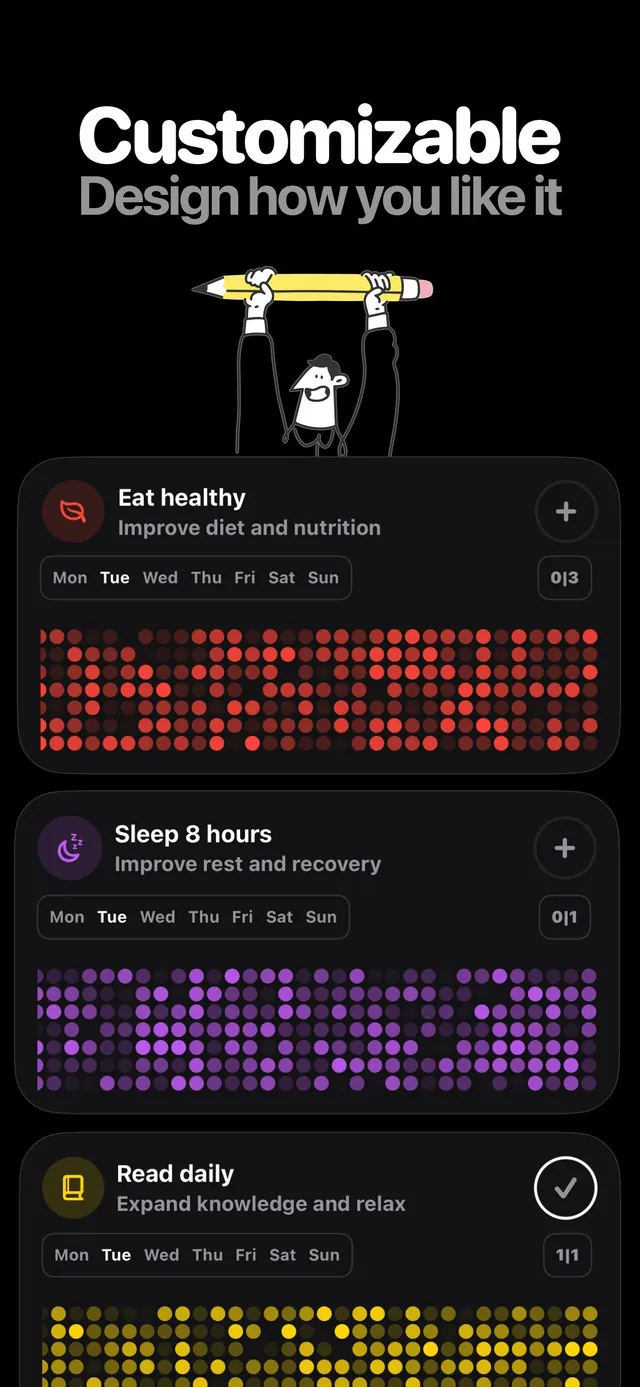
Why we built it
Haby started from a small, annoying observation: every habit tracker is a tracker first and a habit second. You open the app to record that you did the thing, and the opening is friction — enough friction that on a bad day the record doesn’t happen, and once the record stops the habit follows.
So Haby is built backwards from the tap. The home screen widget is the primary interface and the app itself is where you go to set things up or read the history. Everything else — the watch app, the per-habit notification copy, the streak view — exists to keep that one tap where your hand already is.
Questions
01Does Haby work on Apple Watch?
Yes. Haby includes a native watchOS app that shows your habit list and lets you mark completions from the wrist. Completions sync back to the iPhone automatically through iCloud.
02Can I mark a habit without opening the app?
Yes — that is the point of the app. Haby's home screen widgets are interactive, so tapping a habit in the widget records the completion without launching Haby.
03Is Haby free?
Haby is free to download and use for tracking habits. An optional auto-renewing subscription unlocks unlimited habits and the full statistics set. You can use the free tier indefinitely.
04Where is my habit data stored?
In your personal iCloud account, synced between your own devices. Haby has no login and LuminaForge does not hold a copy of your habit history on any server we run.
05Which iPhone models does Haby support?
Any iPhone running iOS 17 or later. Interactive widgets require iOS 17, which is what makes the one-tap home screen completion possible.
Also from the studio
 FlowsoundAmbient sound and a Pomodoro timer in one place
 AutoCapscaptionsSpeech to styled subtitles, then translate to 100+ languages
 ScanDexcollectionsPoint the camera at a card, get the exact variant and its price
 NuminutritionSay or photograph the meal instead of searching a database
 QuitifyquittingCount the puffs first, then cut them down
 TalkylanguageHold a real English conversation without an audience
 FujiRecipesphotographyFilm simulation recipes generated for your camera and your light
 WinnowphotosSort your camera roll one photo at a time, and pay once