
Video & captions
AutoCaps
Speech to styled subtitles, then translate to 100+ languages
- Platform
- iOS 17.0 or later
- Version
- 1.2
- Size
- 30 MB
- Languages
- English
- Price
- Free, with in-app subscription
- Age rating
- 4+
- Updated
- 2 Feb 2025
Captions that are finished, not started
Auto-transcription is the easy half. The half that eats an evening is restyling every line, fixing the timing, and getting a second language out of it. AutoCaps does the whole run inside one app.
What it does
- 01
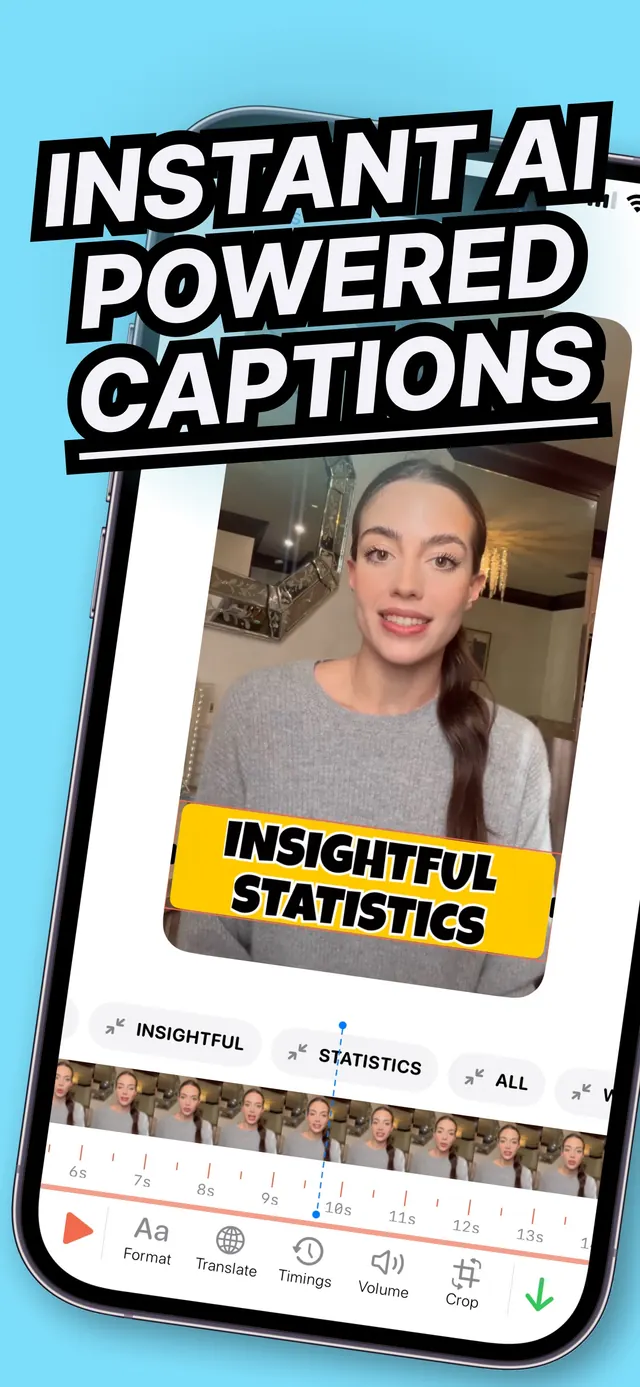
AI transcription with real timing
Speech becomes word-level timed captions, so a line breaks where the speaker breathes rather than where the character count runs out.
- 02
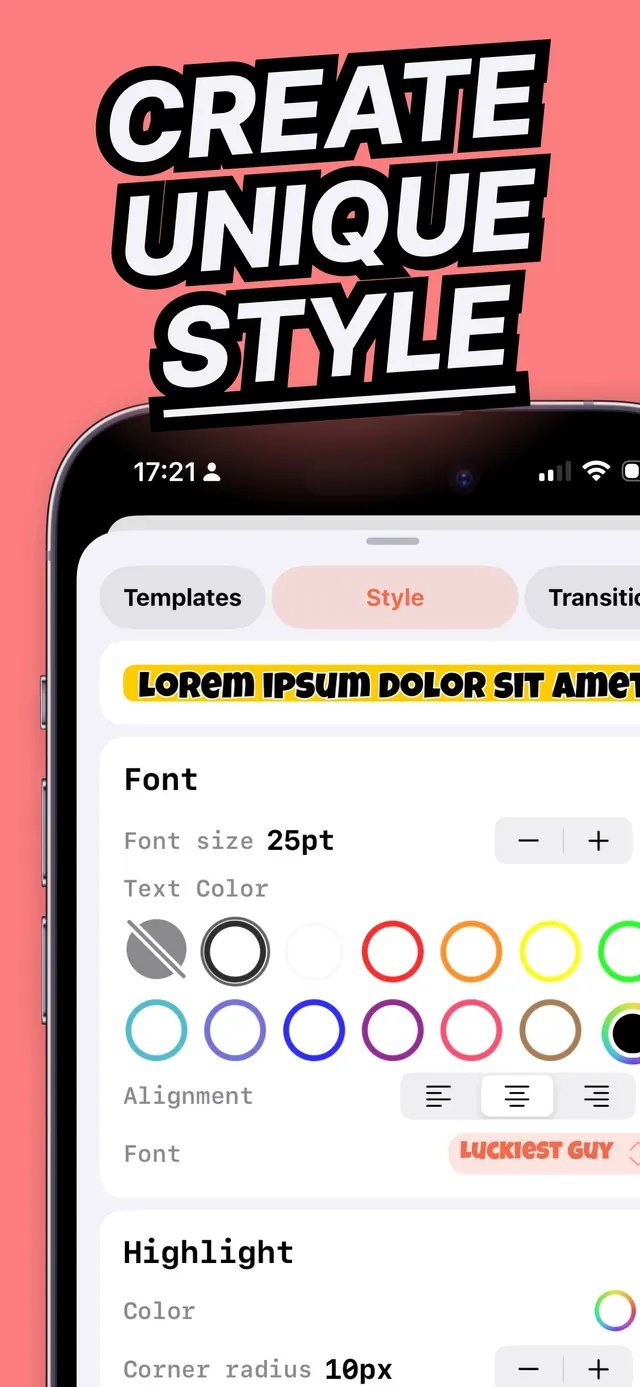
Style every element
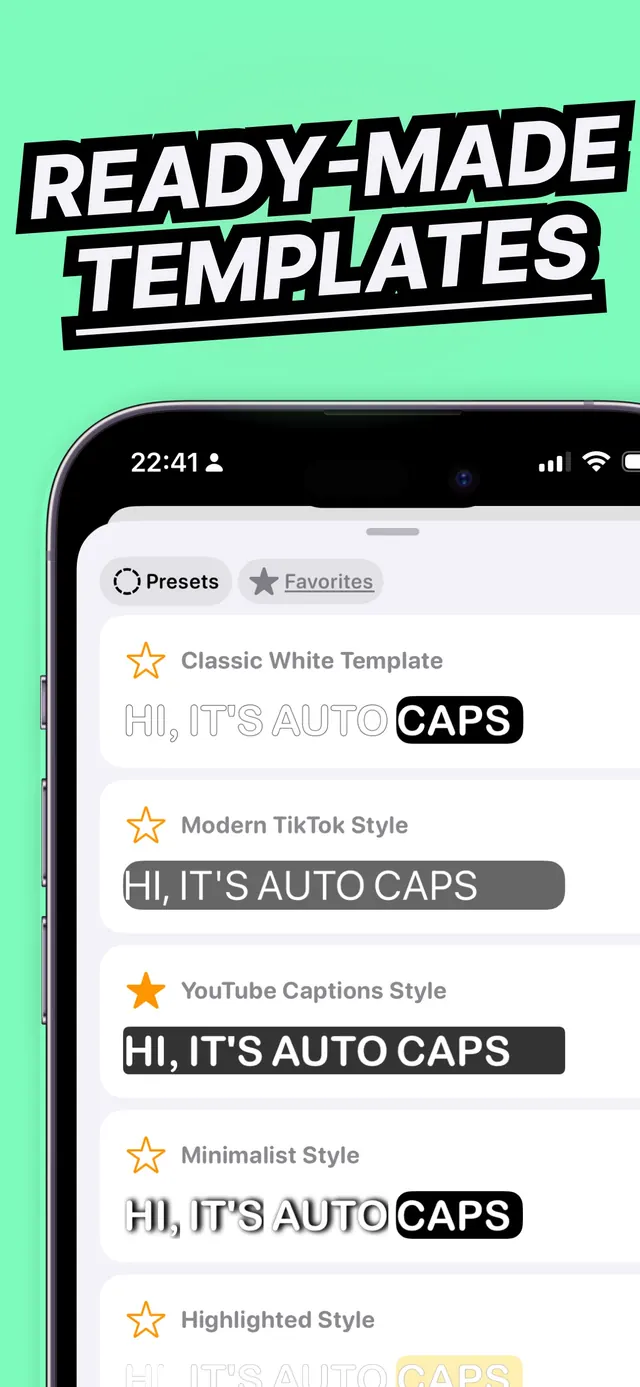
Font, size, colour, highlight, background, animation and placement — or one-tap templates when the point is to publish, not to design.
- 03
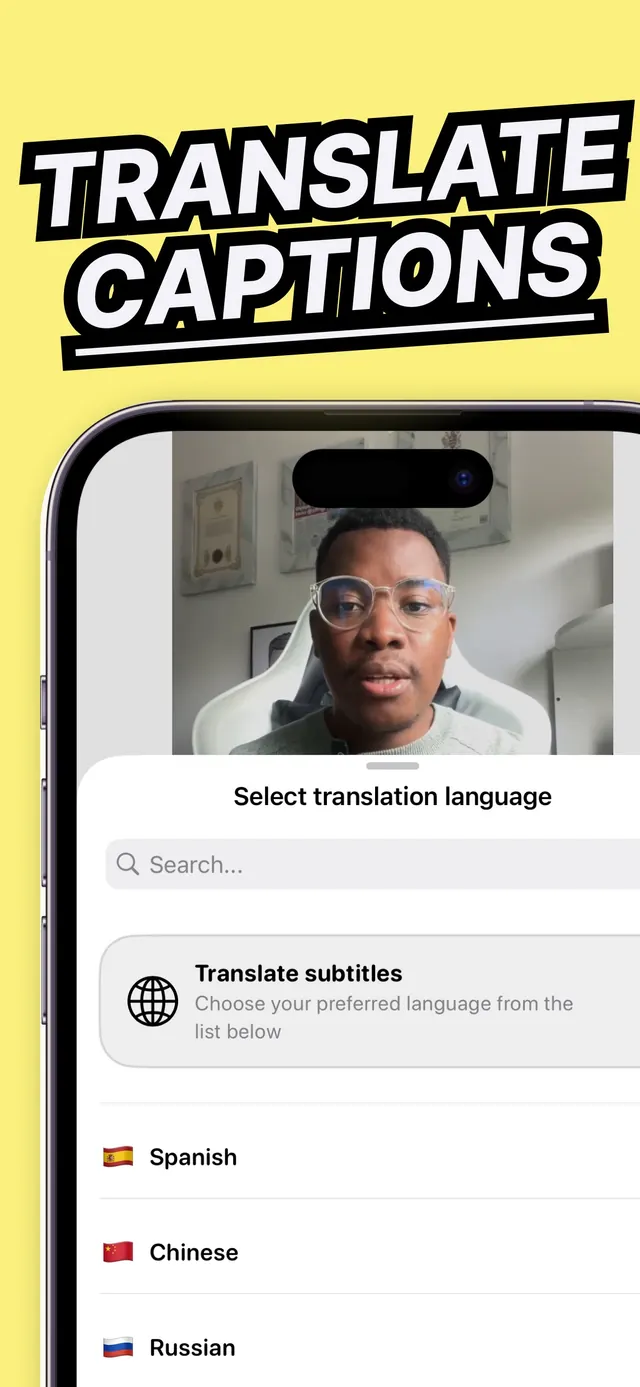
100+ translation languages
Translate the finished caption track and export a second cut. The timing carries over; you are not re-syncing from scratch.
- 04
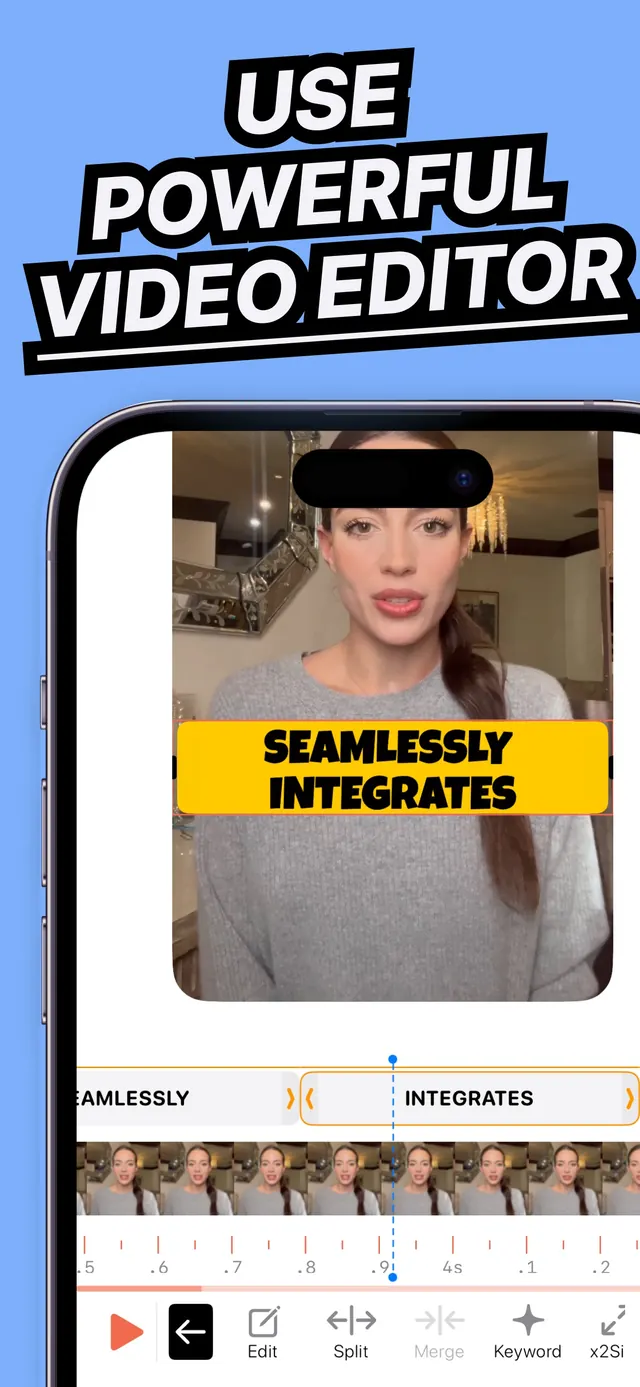
The editor is in the same app
Trim, crop, reorder clips and re-time captions without exporting to another tool and losing the caption track on the way.
- 05
Export in the right shape
Aspect ratios and safe areas for Reels, TikTok and YouTube, so captions don't end up under a platform's own interface.
Screens
From the App Store listing
Why we built it
Every creator has done the manual version once: type the line, drag the keyframe, realise the timing drifted at the thirty-second mark, start again. It takes an hour and the result is worse than the automatic one.
AutoCaps exists because the automatic one is now genuinely better — but only if the app also owns the styling, the re-timing and the second language. Otherwise you have automated the easy step and kept the tedious one.
Questions
01How many languages can AutoCaps translate captions into?
Over 100. You transcribe once in the spoken language, then generate a translated caption track that keeps the original timing, so a second language does not mean re-syncing the video.
02Does AutoCaps include a video editor?
Yes. Trimming, cropping, clip reordering and caption re-timing are built in, so the video does not have to leave the app between transcription and export.
03What are the captions styled with?
Font, size, colour, highlight colour, background, animation and screen placement are all adjustable, and there are one-tap templates for when you want a known-good look immediately.
04Is AutoCaps free?
AutoCaps is free to download and try. An auto-renewing subscription unlocks unlimited transcription length, the full template set and the translation languages.
Also from the studio
 HabyhabitsMark the habit from the home screen, never open the app
 FlowsoundAmbient sound and a Pomodoro timer in one place
 ScanDexcollectionsPoint the camera at a card, get the exact variant and its price
 NuminutritionSay or photograph the meal instead of searching a database
 QuitifyquittingCount the puffs first, then cut them down
 TalkylanguageHold a real English conversation without an audience
 FujiRecipesphotographyFilm simulation recipes generated for your camera and your light
 WinnowphotosSort your camera roll one photo at a time, and pay once